Camera Upgrades and DeGoogling Or: How I Learned to stop worrying and love Reolink
Our gen 1 Google Nest video doorbell was starting to have issues after years of being outside subject to the weather. It had a good run but when looking for a replacement I was more conscientious about where the footage around my home was being stored and what companies had access to it. Historically I’ve been very pro Google, but with my recent homelab build, and companies updating their TOS to allow them to train models on your personal data I wanted to see if I could keep this data as local as possible.
After doing some research I took the plunge on a Reolink doorbell. Some of the constraints I had were that,
- It needed to be able to be powered by a door bell transformer.
- WiFi Connectivity
- Ability to store the footage on my home server
- No Subscription
- In Stock
As much as I wanted to run PoE to my front door and go all in on a UniFi security system. I didn’t need a big new project in addition to the sauna build (look for that in the next blog post). And the wireless versions were never in stock or way too expensive on the used market.
This Cam seemed to check all the boxes with the plan that if it worked well I would replace our Google Nest driveway security light camera setup with their version of that product.
I bought it and the install was as simple as installing any doorbell camera.
A cool feature with these cameras is that you just stick a microSD card in them and it records all of the footage locally. Once full it just erases the oldest footage. In addition to that all of the entity recognition (cars, people, pets) lives totally locally on the device. That combined with their app and these became basically totally self supported cameras with no need for a subscription of any kind.
An entire other blog post could be devoted to getting Frigate setup, but for the purposes of this one, I was able to get that self hosted on my server and have it store all the footage from my doorbell camera on it, allowing me to configure the doorbell camera to only record when it detects people. This configuration lets me minimize writes to the local SD card while still having the ability to review footage should there be an incident that didn’t trigger the cameras local recording.
After a few weeks of using the doorbell camera I was pretty happy with how it was performing and decided to grab the security light camera. Similar constraints to the doorbell camera, I wanted wifi and it needed to be able to be hardwired to the circuit I had run for the old Google camera.
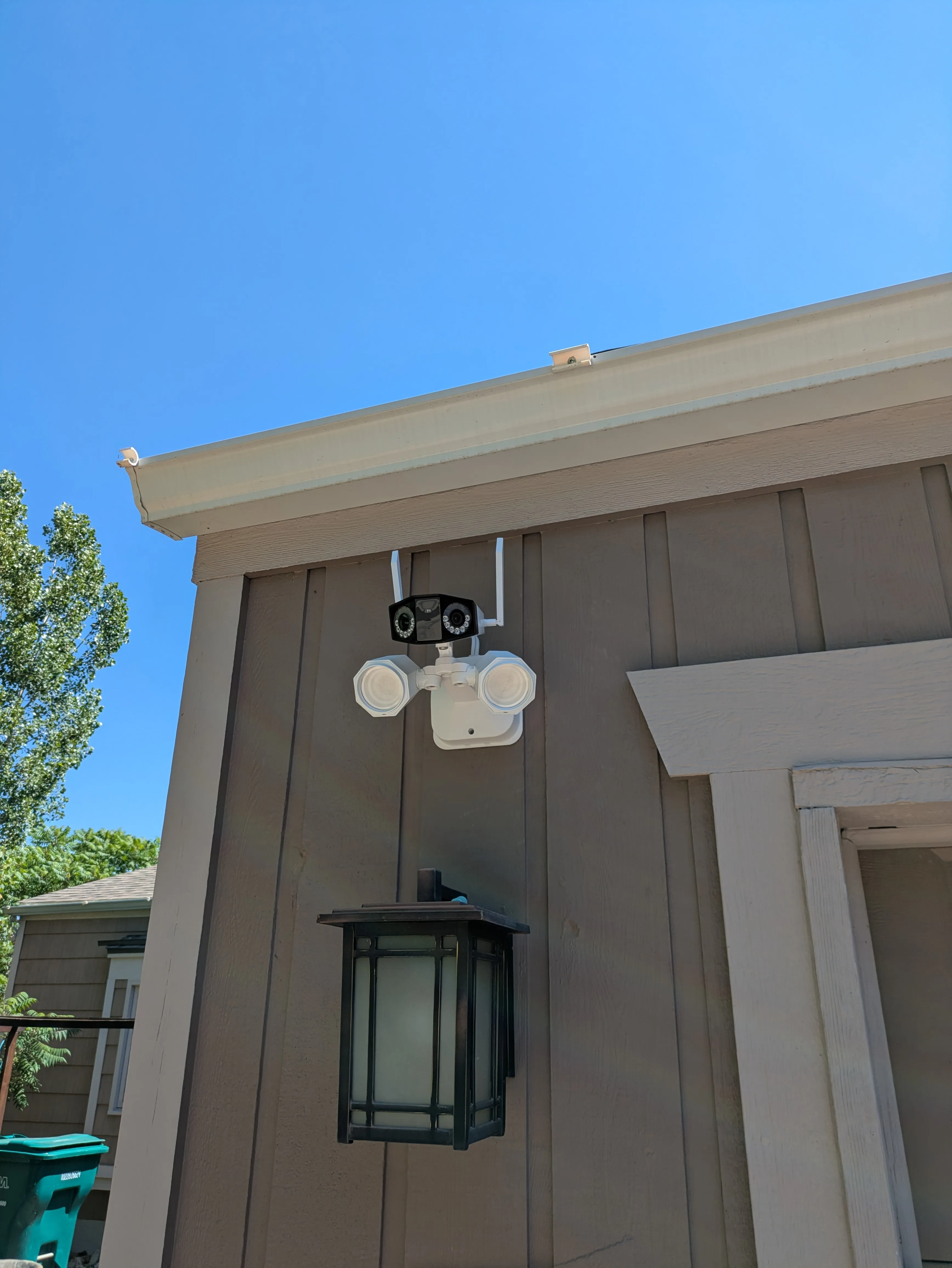
There was some sort of Reolinnk site wide deal going on and was able to pickup a Duo Floodlight WiFi at a discount.
Installation once again was as simple as any wired device, and I had it up and running in 30 minutes. It did require some configuration for when the security light would come on. Initially it kept detecting my parked car and counting that as seeing a vehicle and turning the light on which was a tad aggressive. Configuring it to only turn on the light when it detected a person seems to be working well.
Now with those two devices I’m off Google cameras and can cancel my Nest Aware subscription. Saving me $7/mo but more importantly giving me more confidence about what the video footage of my community is being used for.
Side note my daughter thinks the new camera looks like a little robot which is a plus